

Focused tools. Connected work.
See what needs attention.
Move the work forward.
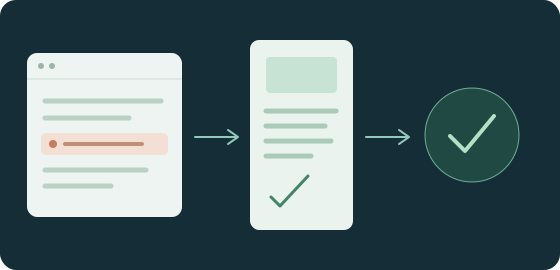
Check your website and visibility, turn evidence into content, manage clients and deliver projects — with focused tools connected through your WorkSkr account.
Private workspaces · Access by invitation
Start with the problem
Less searching. More useful next steps.
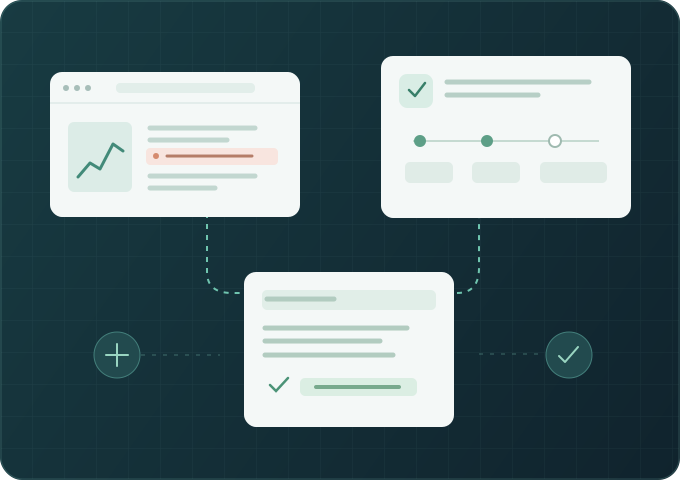
Choose the work you need to improve. Follow the evidence through the tools that support it.


The WorkSkr toolkit
A tool for the job in front of you.
Browse by purpose. Every tool has its own product page and shares the WorkSkr account model.
01Be found & understoodUnderstand your visibility, website health, public information and customer feedback.7 tools

Beacon
Keep business facts and public profiles consistent.
Explore Beacon
MasterRater
Manage review operations and service recovery.
Explore MasterRater
Pulse
Run comparable search and AI visibility checks.
Explore Pulse
Radar
Understand competing businesses through recorded evidence.
Explore Radar
Sentinel
Find website faults and check the result after a repair.
Explore Sentinel
Synlig
See your visibility priorities and the evidence behind each next step.
Explore Synlig
Yield
Connect verified channels with booking and revenue evidence.
Explore Yield02Create & publishTurn approved facts and ideas into content, designs and owned websites.3 tools


03Win & onboard clientsKeep opportunities, agreements and client intake connected.3 tools



04Organise & deliverMake priorities, knowledge, systems, projects and billing easier to follow.7 tools

Atlas
Projects, delivery, acceptance and handover.
Explore Atlas
Helm
See business priorities, readiness and the next setup step.
Explore Helm
Ledger
Contract billing, invoices and verified payments.
Explore Ledger
Library
Keep approved answers and repeatable processes in one place.
Explore Library
Pilot
Prepare follow-ups, proposals and client updates for review.
Explore Pilot
Prism
Understand systems, environments and their connections.
Explore Prism
Weave
Create editable diagrams with versioned system handoffs.
Explore Weave05Secure & assureReview security, software protection and compliance evidence before release.3 tools


Early access
One WorkSkr account. Your approved tools.
WorkSkr is currently invite only. Your account dashboard shows your connected businesses. Your administrator controls access to each application.